
Keep private photos, videos and text notes separate: “Fotos verstecken: Tresor” by HAIJIE ZHENG / Yuege Apps provides a local vault for iPhone and iPad. The developer submitted the app for this feature.
What does the app offer?
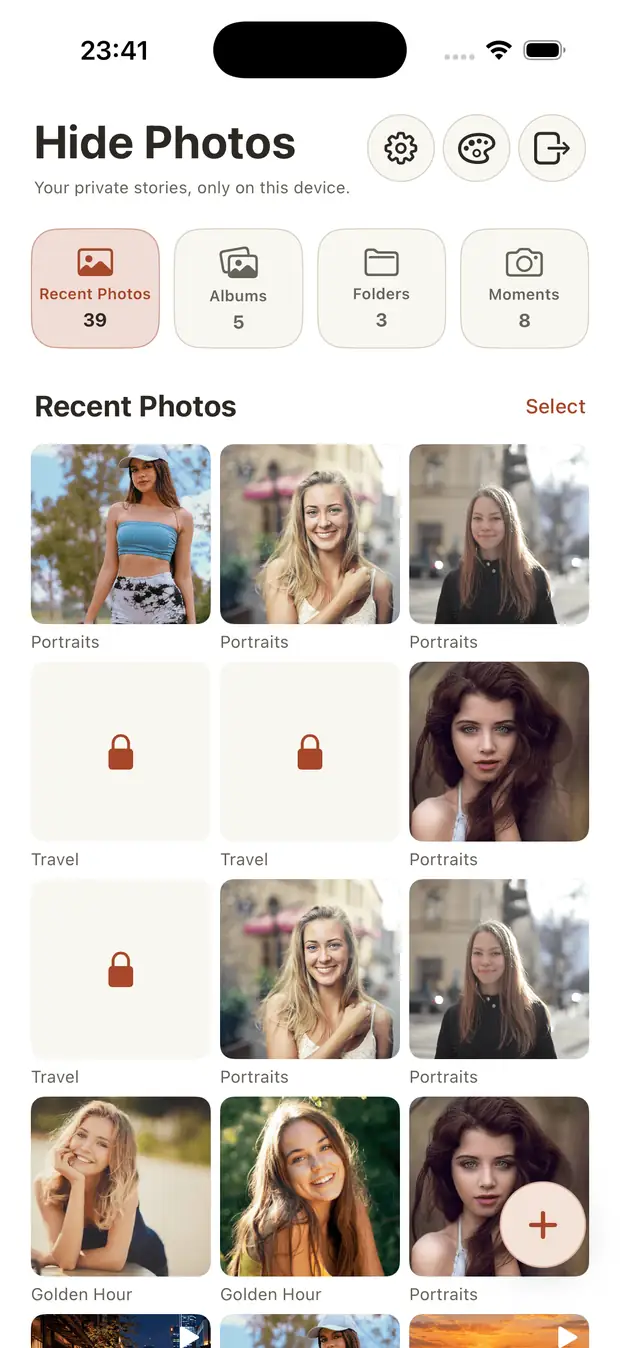
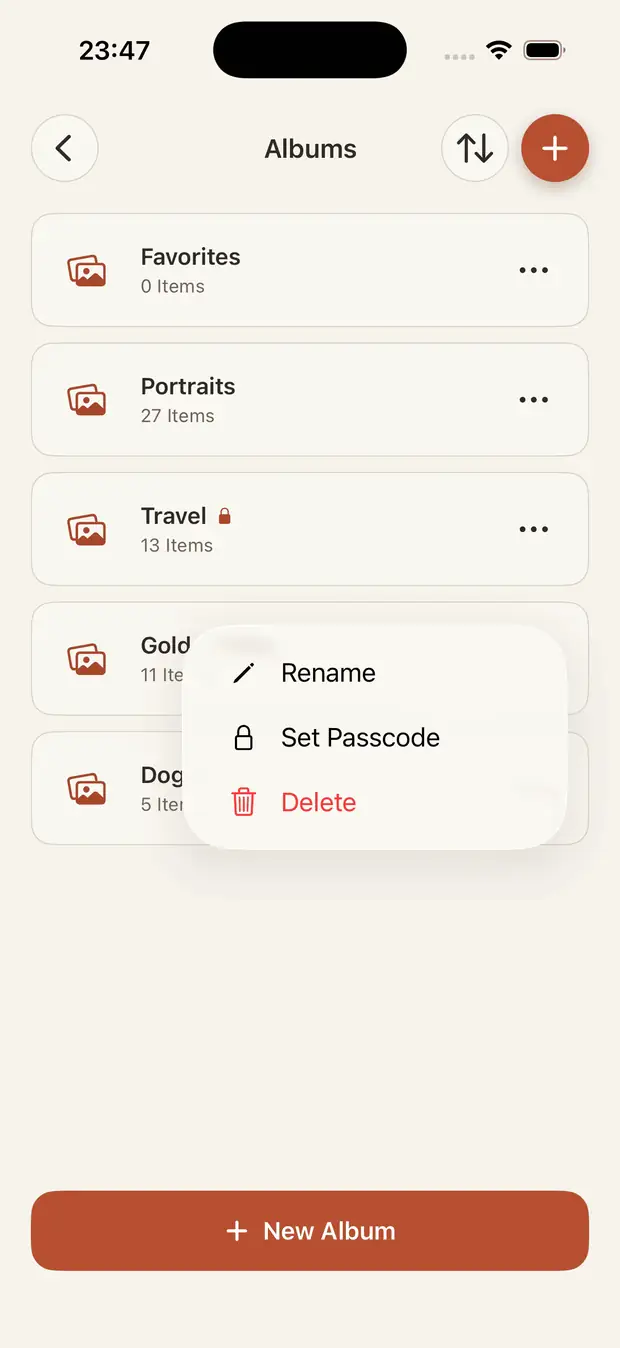
According to the developer, content is encrypted locally using AES-GCM. Access is protected by a PIN and optionally Face ID. Individual albums can be locked separately, while decoy vaults add another layer of discretion. The supplied screenshots show the media overview and album management with a separate passcode option.
Free download, optional Pro
The download is free. Lifetime Pro is offered as a one-time purchase without a mandatory subscription; optional monthly and yearly subscriptions are also available. Check the current price and included features in the App Store before buying.
Our perspective
The app may interest anyone who wants to organise private media separately from their usual photo library. This introduction is based on the submission and store listing, not a hands-on test or security audit. A vault does not replace a backup: try importing, exporting and restoring harmless test files before removing originals.
View the app in the Apple App Store
21.11.2026 · HAIJIE ZHENG / Yuege Apps · Apple App Store