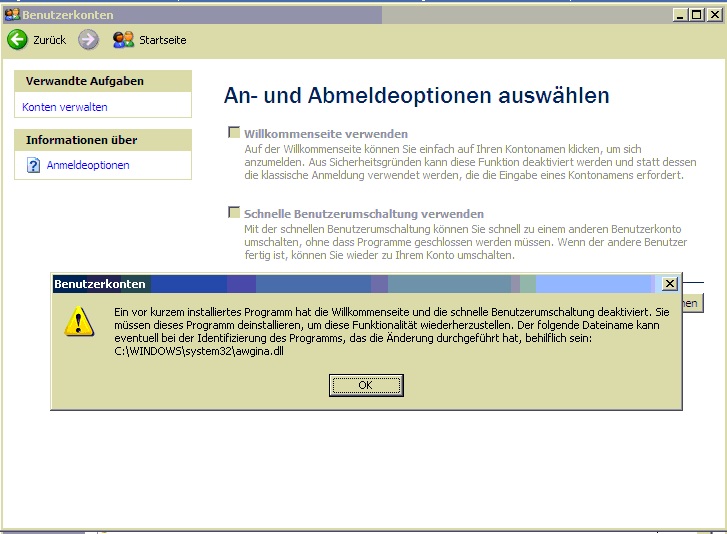
If you install PC Anywhere on a Windows XP Intallation, it can cause the Windows login screen to be activated and that you can no longer select the login and logout options.
Error message
Then comes the following error message: A recently installed program has turned off the welcome page and fast user switching. You must uninstall this program to restore this functionality. The following filename may help identify the program that made the change:
C:\WINDOWS\system32\awgina. dl
This *.DLL file is usually installed with PC Anywhere.
SOLUTION: Uninstall PC Anywhere and use login and log-out options again.