
Today, a good firewall has more functions than simply protecting Internet connections from the outside. Today it is also important to analyze what is transmitted and which servers are communicated with.
To protect your computer from outside intruders or to monitor how installed programs communicate with the Internet we have found the following programs.
Windows Firewalls
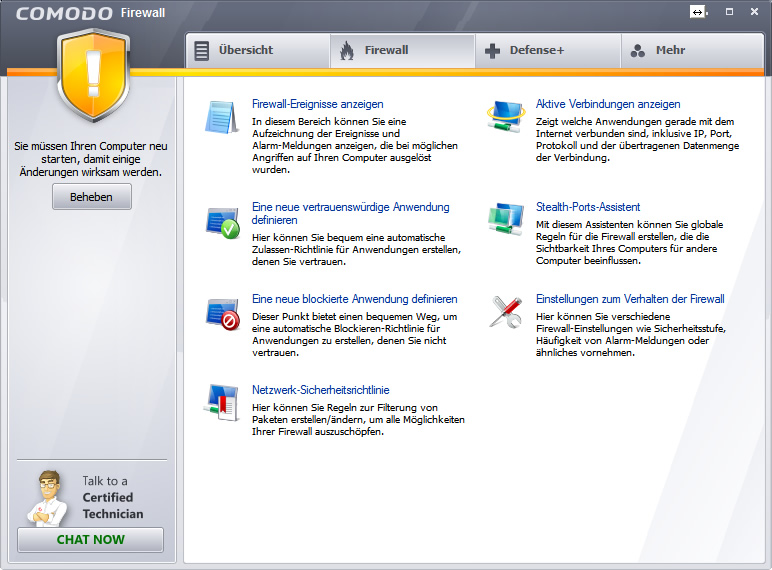
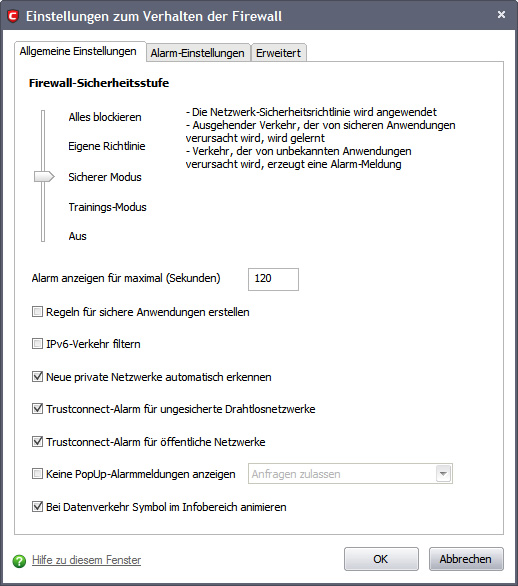
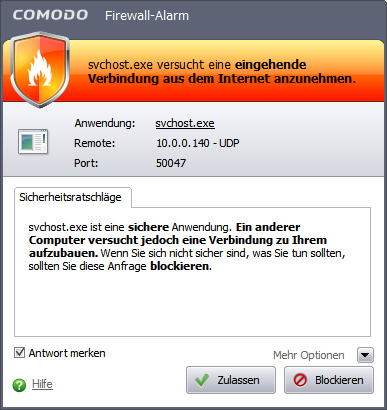
Comodo Firewall is available as a purchase or free version
Still a little known software manufacturer from the USA for Internet security solutions. When installing the software, Comodo asks if you want to use the company’s DNS server that I would not recommend because the data is analyzed here, even the e-mail address I would not announce, that is not the business. After a test of this software, most connections to the outside and from the outside are actually blocked here. Windows 7 or Windows XP no longer has the option to call home in Redmond and transfer data.
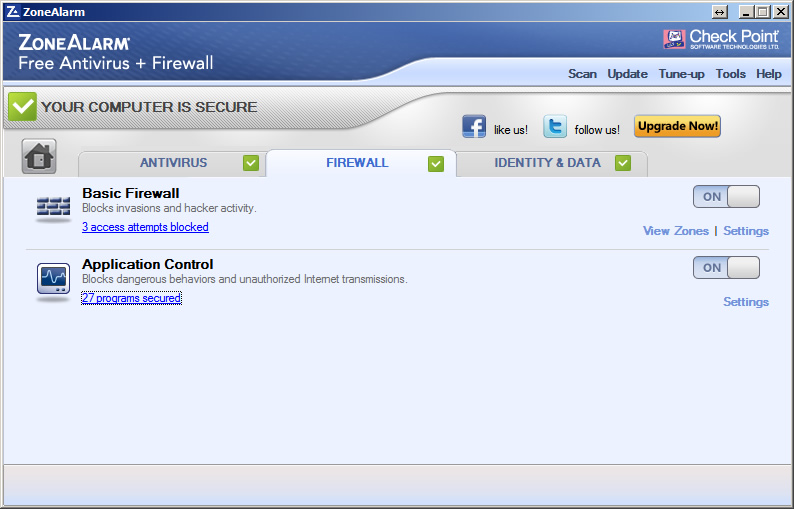
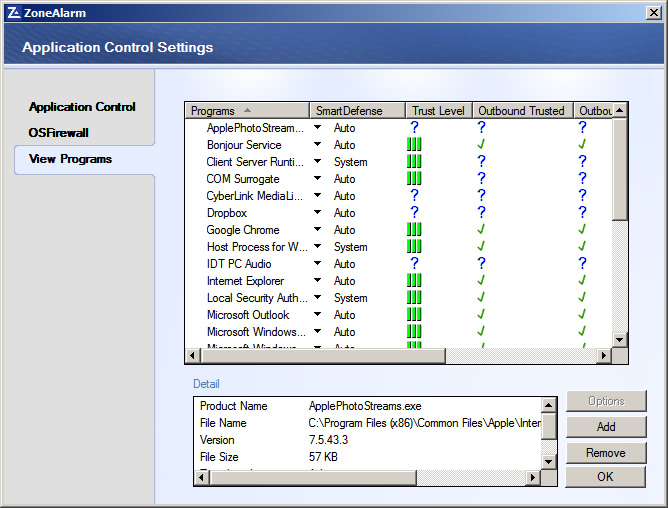
ZoneAlarm® by Checkpoint
Checkpoint has extensive know-how in the Internet security sector and has also produced hardware firewalls, which are used in large companies and corporations.
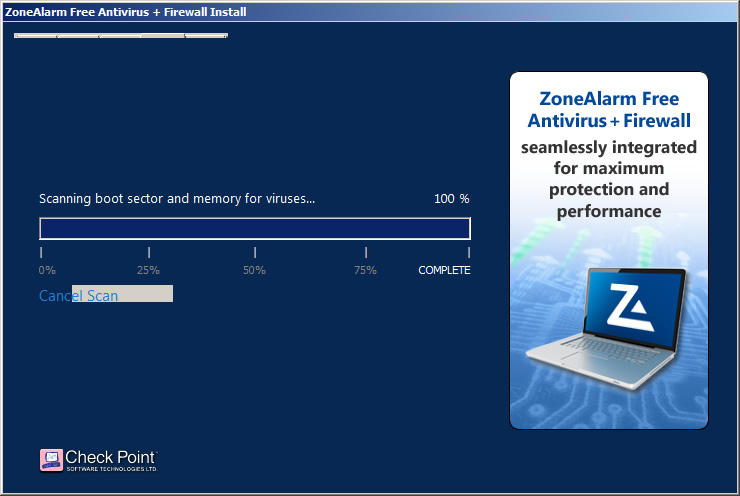
When installing the program, all boot sectors and memory are scanned for viruses. It is also important that you do not install the ZoneAlarm toolbar which makes the browser much slower since it communicates to the outside again.
For Mac users
For Mac users there is the program Little Snitch It actually finds every single connection and asks if you allow the connection or not.