
Unfortunately, it still happens that this nasty virus hangs in our computers, in this guide I will show you how to remove the virus from your computer.
starts the computer into Safe Mode with prompt. This Safe Mode selection window appears when you press F8 when you start your computer.
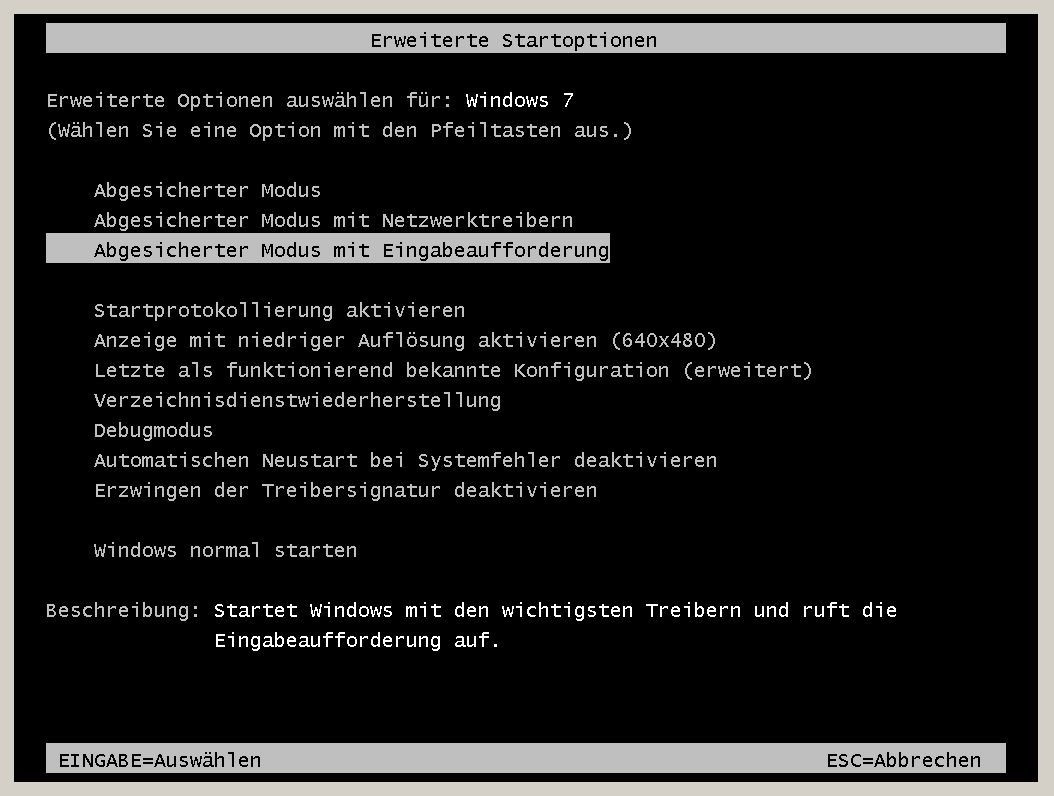
This process may take a few minutes.
Then Windows starts with the Command Line window.
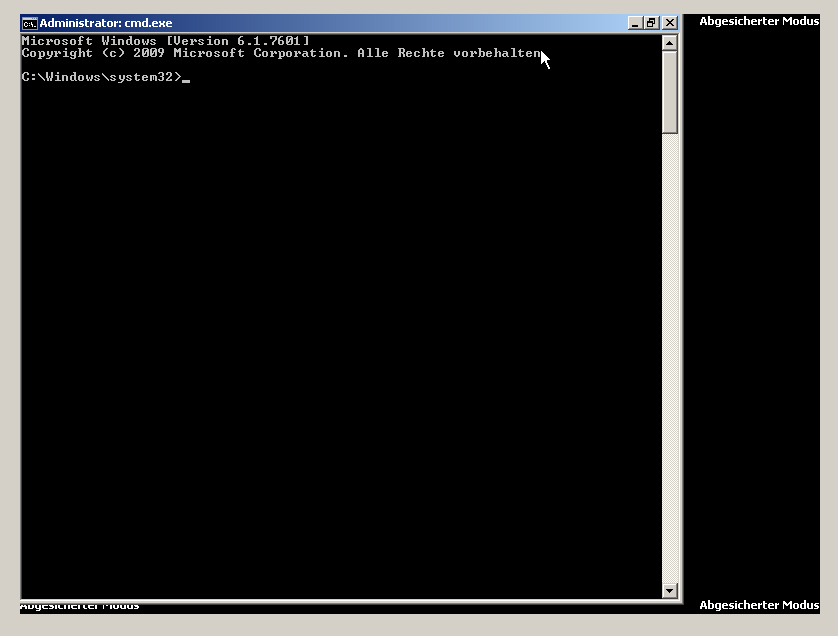
Now navigate to your startup folder
PFAD: C: „Users“„Your USER RNAME“\AppData\Roaming\Microsoft\Windows\Start Menu\Programs
Instructions for navigating:
- cd C:\ –> here you come directly to your system drive
- cd Users –> here you come to the folder with user profiles
- cd TEST –> here you come to the folder of your user profile (ATTENTION TEST is my username here you have to go in with your username). If you no longer know your username enter yourself, here you will see all user profiles in the profile overview.
- cd AppData –> here you come to the application data
- cd Roaming
- cd Microsoft
- cd Windows
- cd Programs –> here comes in to the program directories
- cd Start Menu –> here you come to the Start Menu directories
- cd Startup –> here you come to the Autostart menu directories
- Leave with the command „Your“ List all content
Now remove all entries that seem funny to you with the command del + File name
If no files or suspicious files are listed here, a system restore will start via the command line if you have activated this then you can simply set the computer to the date before the infection.
How to start System Restore from the command line I have briefly described here. » Systemwiederherstellung via Kommandozeile starten
Attention I start computers that are infected with viruses always without network connection (security delusion from me).
then start your virus scanner and let it do a complete search. I recommend Microsoft Security Essentials, first of all, this is free for small businesses as well as for private users, since I have installed this antivirus protection on my customers, I have not had to repair any malicious infection. (Actually bad for business).
If you ask them, ask them. Forum Then we work together to solve the problem.