
The online poker provider PokerStars develops its own software as well as its own app with which you can play online poker after the download and installation.
Installation of PokerStar PC version:
- Invite them from www.pokerstars.eu/de/ Down the current software
- After downloading the software, start the installation
- accept the End User License Terms and then click on
- After a few seconds, the query whether you want to load the current version, click OK
- Now the software is installed on your computer
- You can now choose a game that you would like to enter.
[nggallery id=24]
Selection of poker game versions:
To participate in a game For now, select the version like Hold’em, Omaha, Stud, Other, Zoom. In the large window below, the information about the respective game is available such as the name of the table, the bet, the limit, the type, how many players, the waiting time, as well as the value of the pot’s.
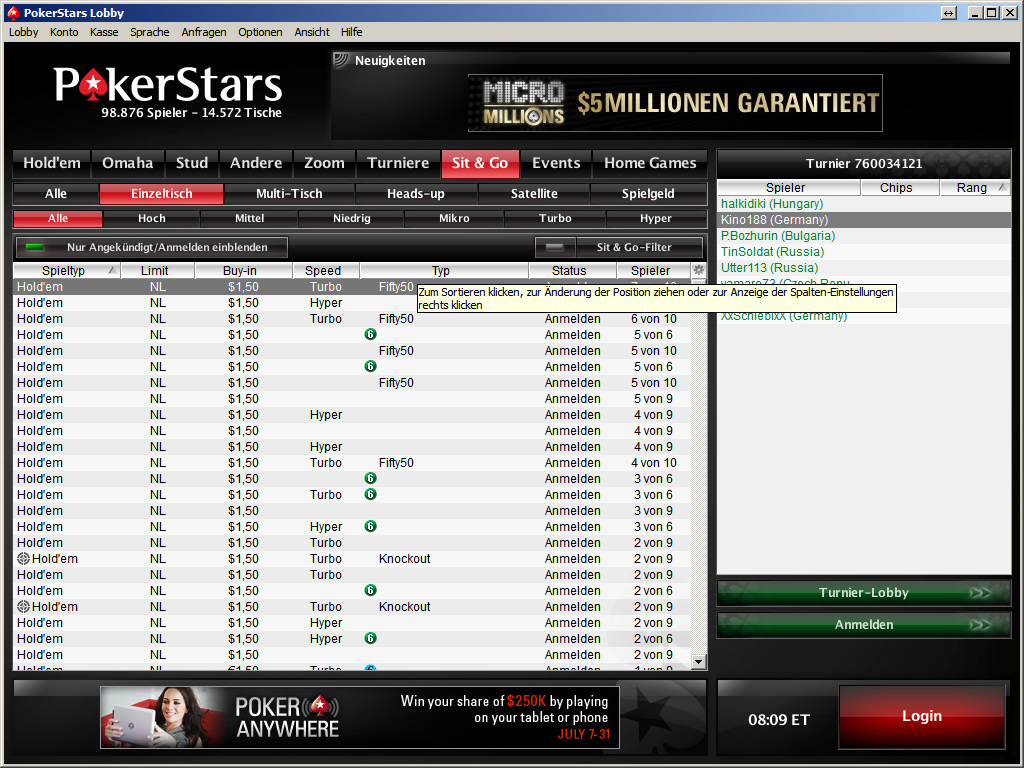
Now to play at a table If you login with your login data in advance, you can login via the function menu Opening a new account Create an account. To create the account, you must confirm where you found out about PokerStars and that you are over 18 years old.
Playing poker
After the successful installation of PokerStars, you can choose whether to deposit money or whether you want to play with game money. Since we play poker for the first time I try my luck with play money. Here we get 1000 game chips to get started. Now enter the confirmation code we received by e-mail and then…
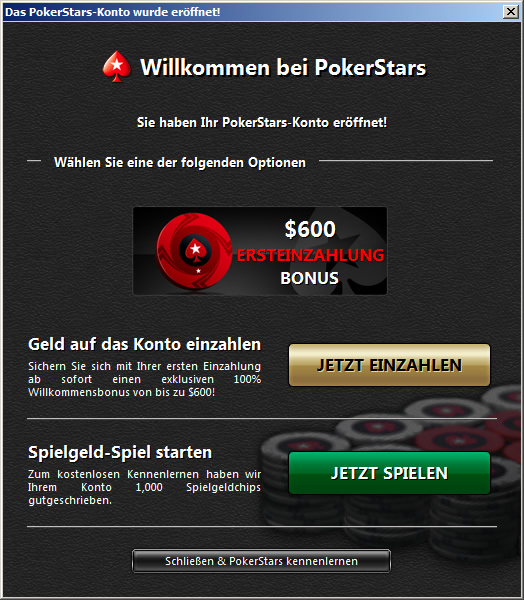
Let’s go…
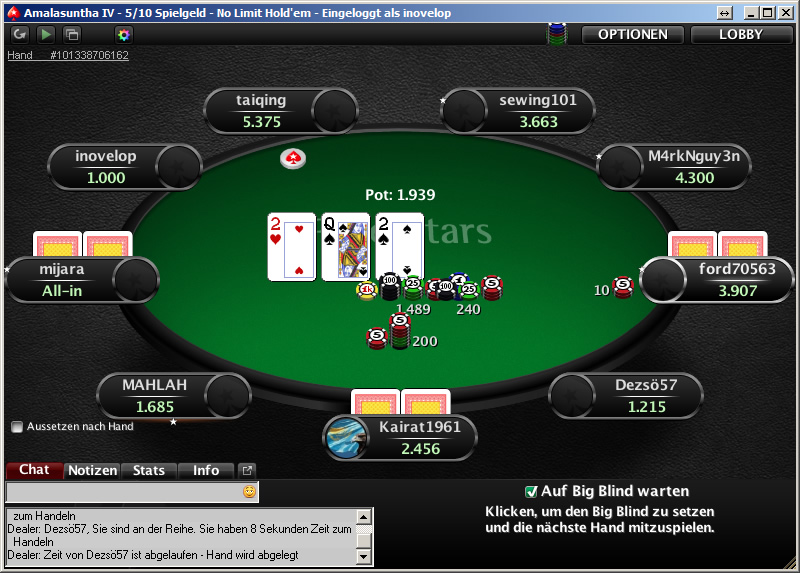
Now we select in the overview which table we would like to participate in Hold’em and click on the right to look for seat. To get into the game right away, we select the use of 1000 game chips for the game. Now for the hacking Waiting for Big Blind Pick it up and you can start. We get our cards, we bet 20 chips and wait for the other players. Even if we talk about beginner luck, we had none. After a few rounds we got into the game and now understand how it works.
The PokerStars App for iPad and iPhone
Installation is done via the Apple App Store where you will search for PokerStars after entering the password for your Apple ID You asked if you were over 17 years old. After this process is completed, the installation of the Mobile PokerStars app begins.
When playing on the iOS device, you still need the Poker Regeln auf dem Smartphone Observe.
In order to use the iOS app, you must first log out of the PC and then re-log in to the iPad or iPhone, a new registration is not necessary.
Play Live on iPad
As in the PC version, we select the desired table via a great filter function and get into the online game, after selecting the seat we participate in the game.
[nggallery id=25]