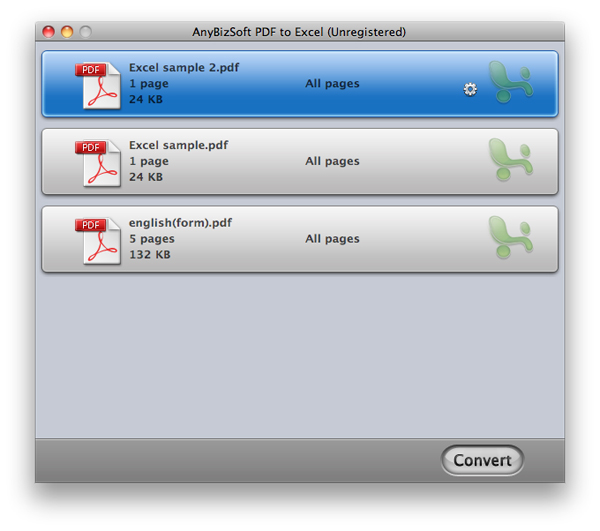
Wondershare PDF to Excel for Mac is a program designed specifically for Mac users. It converts PDF tables into precise Excel worksheets on your Mac OS X. Editing, reorganizing and counting with PDF tables is so easy after converting PDF to Excel on your Mac.
Main characteristics:
- Good conservation. It offers 2 possibilities for the output data:
Maintain values without formatting: it allows Mac users to store all original text, numbers in PDF tables without formatting them after they have been converted to Excel cells.
Maintain original formatting: This option allows you to get text, numbers and formatting of the original PDF file. - High efficiency. PDF to Excel for Mac converts PDF to Excel very quickly, and it can also convert a standard 100 page PDF file in less than 1 minute. It also supports batch and partial conversions that help Mac users make their work more efficient.
- High compatibility. Adobe PDF 1.0-1.7, Microsoft Excel 2008 for Mac are supported and no Adobe Reader or Acrobat is required.
- Support for conversions of encrypted PDF. Users can directly convert restricted PDF files. An open password is required for conversion if the PDF file is protected by a user password.
- Easy to use. Users can complete the conversion in just 3 simple steps: Import – Customize – Convert. In addition, the “drag-and-drop” operation is supported.
- Supported languages: English, Turkish, Thai, Latin, Korean, Greek, Cyrillic, Japanese, Chinese.
- System requirements:
Operating systems: Mac OS X 10.5 or later
CPU: Intel (32bit) 512MHz
Hard drive: 100M and above