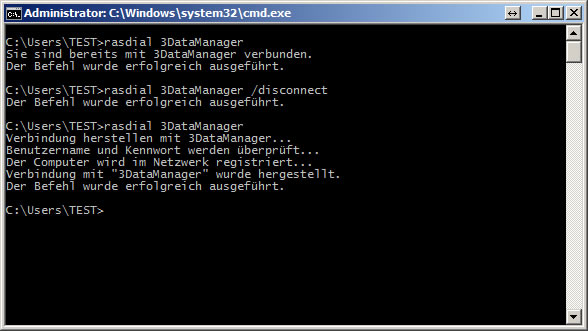
From time to time VPN connections hang up, a manual Reconnect usually costs a lot of time and energy. To create an Automatic Reconnect using a batch script, do the following.
Start your Notepad:
- under Windows XP under Start –> Run –> notepad
- Windows 7 Start — > notepad
Then write the following lines.
- rasdial „your VPN connection“ /disconnect
- rasdial „your VPN connection“
In our case:
- rasdial 3DataManager /disconnect
- rasdial 3Datamanager
Now we save the script to our script directory and add a task to our Tasmanager:
- Windows XP –> Start –> Programs –> Accessories –> Windows Task Manager
- Windows 7 –> Start –> All Programs –> Accessories –> System Programs –> Task Planning
we start our script every 6 hours so there will certainly be a stable connection.
I hope I could help you with my guidance.