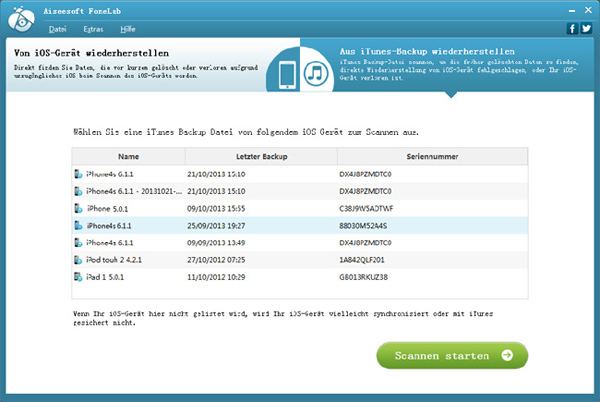
Not only can Aiseesoft FoneLab directly recover deleted data from iOS devices without an iTunes backup, but it can also retrieve those files from iTunes backup even though your device has accidentally crashed, broken, or lost.
Two types of recovery modes, including “Restore from iOS Device” and “Restore from iTunes Backup” are available for you to choose your customizable path.
- For iPhone 5s/5c/5/4S, iPad with Retina display, iPad mini, the new iPad, iPad 2, iPad 1 and iPod touch 5, iPod touch 2, it supports 7 types of recoverable data such as contacts, SMS, call list, calendar, notes, reminders, Safari bookmarks. It can also contain 12 types of files. Recover contacts, SMS, call list, calendar, notes, reminder, safari bookmark, camera roll, photo gallery, photo stream, message attachments and voice memos from iPhone 4/3GS, iPad 1 and iPod touch 4 directly.
- If you deleted your files a long time ago, or they are lost after jailbreak and upgrade, or your device is broken or broken, you can use Aiseesoft FoneLab to get your data back from iTunes backup.
Before recovery, you can preview detailed files under each category, and all data is clearly presented in the scan results, such as details of contacts, including name, company, phone, email, etc.
Download