
RAW drive: protect the data first – update of 20 September 2026
Here, RAW means that Windows does not recognise a usable file system. It is not a separate file system that should simply be converted to NTFS. The 2013 observation proves neither a general Windows 7 defect nor that CHKDSK alone caused the problem. This update reviews sources; it is not a new recovery test.
Do not format or initialise the affected drive, write new files to it or install recovery software on it. Unusual noises, disconnections or important data without a backup are reasons to avoid repeated scans and repair attempts. If the condition is unclear, stop experimenting.
- Record the drive model, capacity, exact error and available backups. Identify the source and destination separately.
- First check whether an independent backup contains the required files. Restore them to another healthy device.
- Creating a sector-by-sector image requires an informed procedure and a separate destination. TestDisk can work on an image; writing partition repairs to the only original is not the first step.
- Open recovered files from the destination and check several file types. A list of names or a successful preview does not prove complete recovery.
The iCare price and recommendation dated 5 April 2013 remain historical information, not a current buying recommendation or a guarantee of features or recovery. No purchase is needed for these initial protective steps.
Sources
Historical report – 5 April 2013
Restoring a RAW Drive
Since Windows 7, it seems to me that file-system crashes have become frequent. Occasionally, after starting a repair with chkdsk, the NTFS file system is lost and the drive is then reported as RAW.
RAW file system
Windows or Linux cannot read this RAW system without additional software, leaving the data inaccessible.
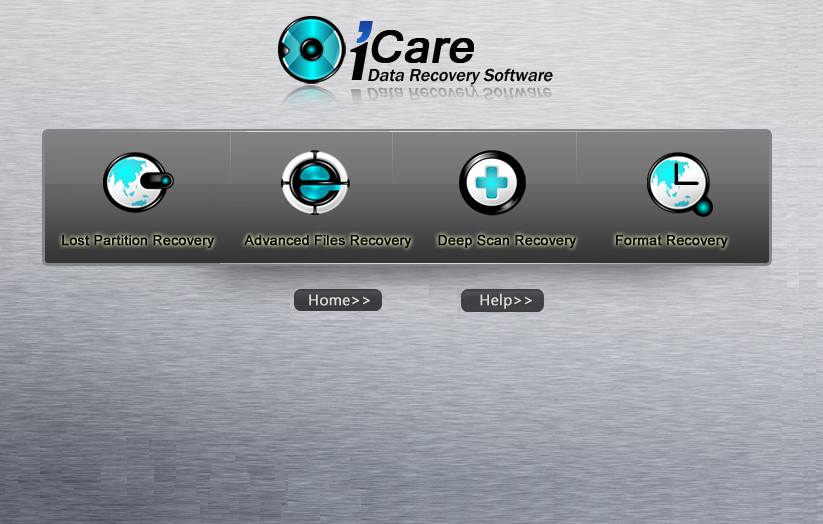
iCare DATA Recovery
After a long search, we found software for recovering data from defective drives reported as RAW. A trial version exists, but the original report says the full functionality requires purchasing the software for US$69.95, approximately €54.14, as of 5 April 2013.
Important functions
- Lost Partition Recovery — Find a lost partition
- Advanced File Recovery — Advanced file recovery
- Deep Scan Recovery — Intensive scan for lost files
- Format Recovery — Recovery after formatting
Download
Link to the software: http://www.icare-recovery.com/
Screenshot
We recommend the software because we use it and are completely satisfied.