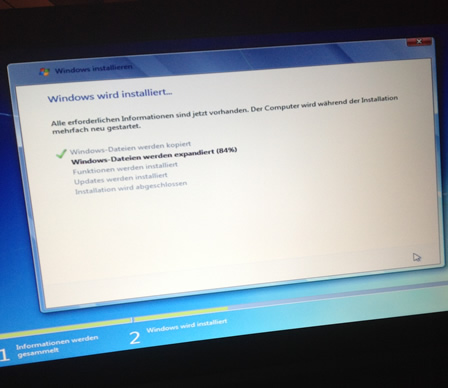
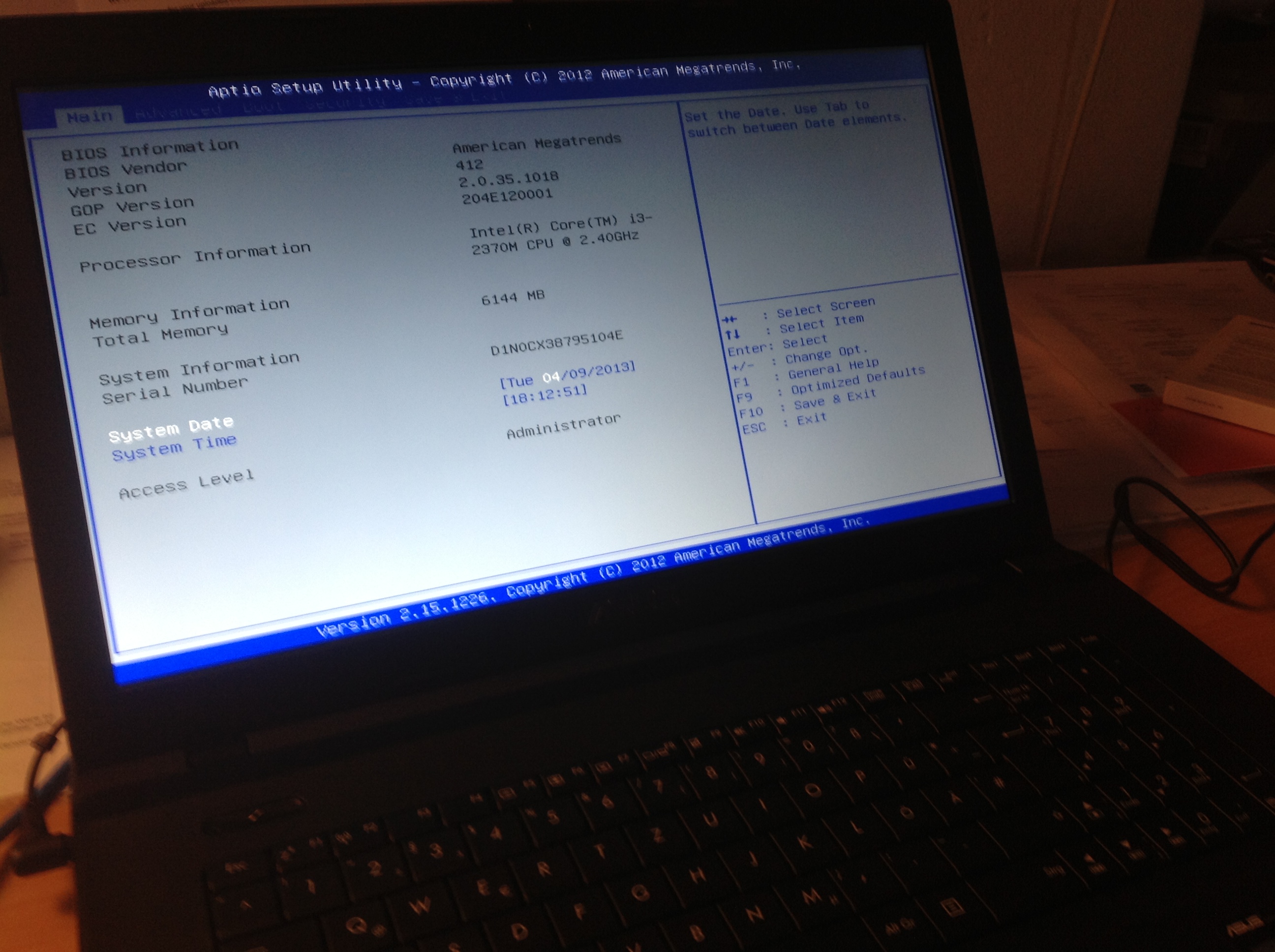
To install a Windows 7 on a new ASUS notebook that comes with Windows 8, you have to make the following settings.
Start the BIOS, you hold the F2 button when starting.
Opens the boat tab in the BIOS. Activated now Launch of CSM in which you navigate to this field with the arrow keys and then press the enter key. Then select Enabled again with the arrow keys.
Interesting info for which the CSM does not yet know, CSM stands for Compatibility Support ModulesThis architecture was developed by Intel and depicts an old BIOS.
Furthermore, open the security tab and deactivate the option Secure boot control. This function prevents starting data carriers with an operating system.
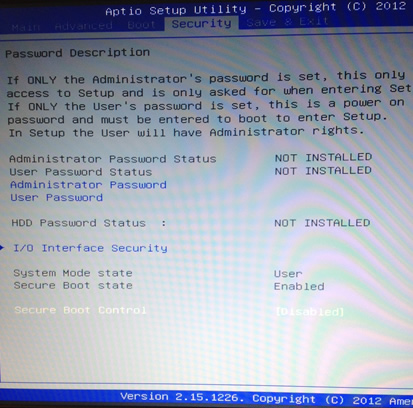
Now save your BIOS configuration in the tab Save and Exit.
Now navigate with the arrow keys on CD/DVD drive, the computer now restarts and starts up with the DVD. Now you can install your beloved Windows 7, because honestly Windows 8 is really scrap and something of a user-unfriendly.