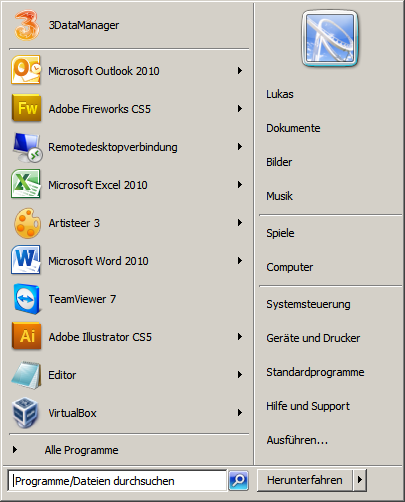
Right click on the taskbar Click Properties –> Start Menu –> Customize Click the “Run command” check box Now click OK So you can use the Run function again in the Windows Start menu