To create a new user, you have to right-click on the workstation and select the Manage option.
In the following mask “Computer Management” you now have the possibility to create new users under the snap-in “Local Users and Groups” à “User”.
 To do this, right-click on the “User” snap-in and select “New User…”
Here are some examples:
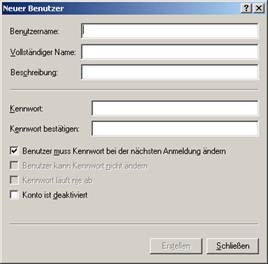
ATTENTION:
The following special symbols shall not be used:
 \ / [ ] : | < > + = ; , ? *
User rights:
In order to assign rights to new users, it is wisest to divide them into groups:
For this purpose, the „Groups“ snap-in is used in „Computer Management“:
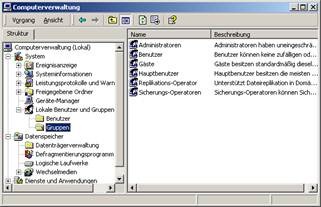
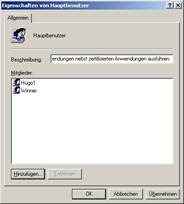 If you now select a group by double click, you can now assign the users to the group via the „Add“ button.
These groups can now be assigned specific rights.
· Access rights
Right click on a folder à properties à security
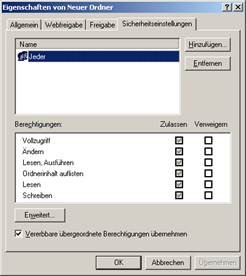
Here the access rights can be assigned to the groups.
· Local system rights
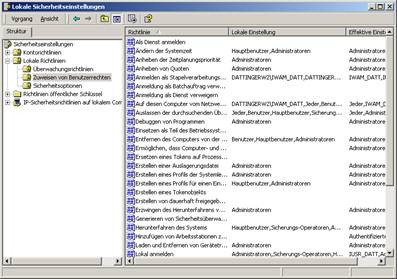
In order to grant local system rights, you have to open the “Local Security Policy” mask.
Start à Settings à System Settings à Manage à Local System Policy
Under the subfolder „Local Policies“ à „Assignment of User Rights“, individual users can be assigned local system rights for entire groups.