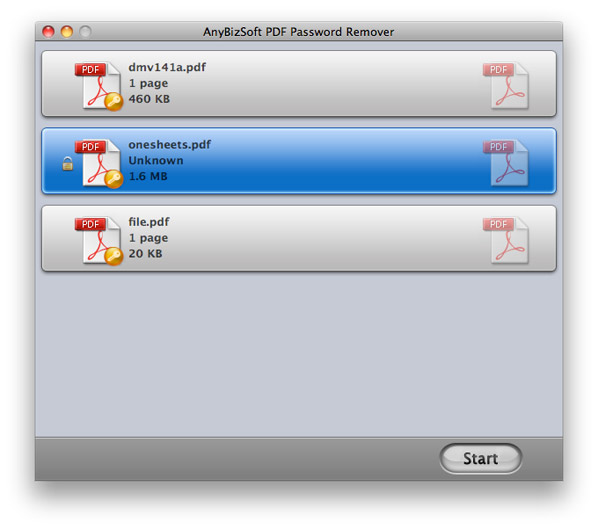
Wondershare PDF Password Remover for Mac is a small but powerful PDF decryption tool for Mac OS X. It allows Mac users to remove copy and duplication restrictions from encrypted PDF files in a quick and easy way. Batch decryption is also supported.
Removing PDF passwords and restrictions
If the PDF file is password protected by an owner: PDF Password Remover for Mac can automatically unlock the PDF file and create an unlocked PDF file copy without having to enter the password first.
*Own password: A password used to protect PDF files from editing, copying and printing.
If the PDF file is protected by an owner password: Mac users need to type in the password to unlock the PDF file manually, and only then can the PDF Password Remover for Mac create an unlocked PDF copy of the original file.
*User Password: A password used to protect files from opening. This is also sometimes referred to as “Open Password”.
Batch decryption:
Batch decryption allows Mac users to remove the PDF password and limitations of many encrypted PDF files (maximum 50 files) at the same time. This can greatly improve your work efficiency if you work with large amounts of files at the same time.
Easy to use:
Remove the PDF password and restrictions in just 3 simple steps: Start – Import – Decrypt.
Supports drag-and-drop operations: This allows Mac users to quickly attach or remove PDF files by performing drag-and-drop on the disk.
High compatibility:
*Supports Adobe PDF 1.0-1.7
*supports the decryption of PDF files in any language
Run alone – no Adobe Reader or Acrobat is required
System requirements
Operating systems: Mac OS X 10.5 or later
CPU: Intel 512MHz
Hard drive: 100M and above