
Hello dear readers,
Today I will tell you how to print on the iPad or how to set up your Windows environment so that you can print.
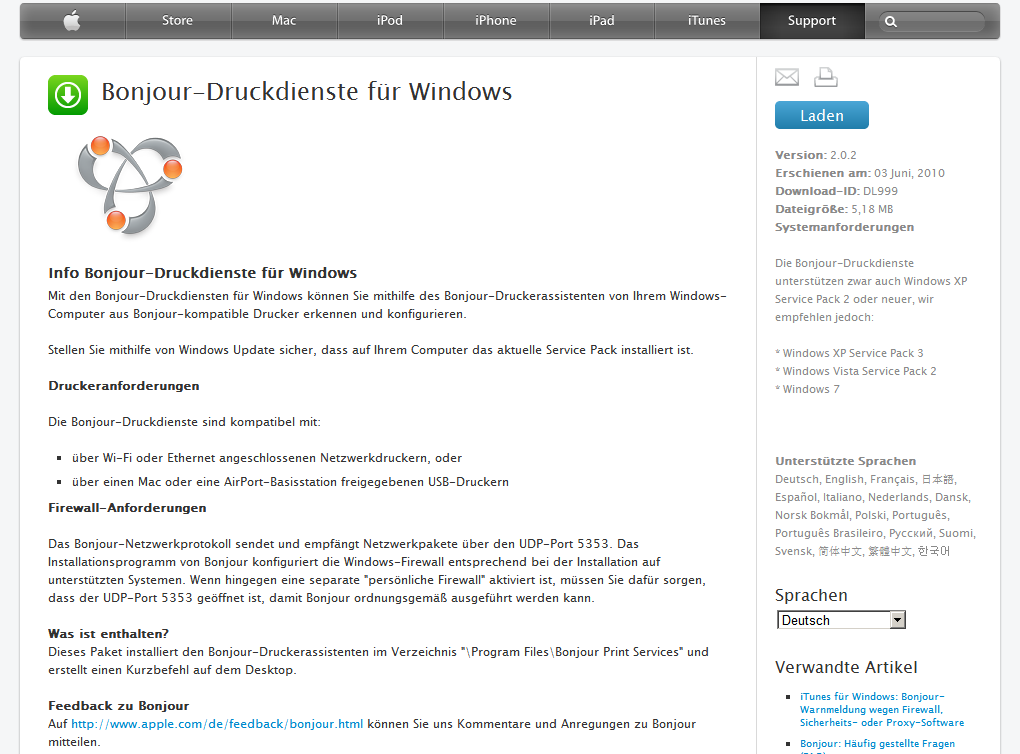
- Download Apple’s Bojour Printing Services » zum Download
- Download AirPrint Activators iOS5.rar AirPrint Activator iOS5
- Release of printers under Windows
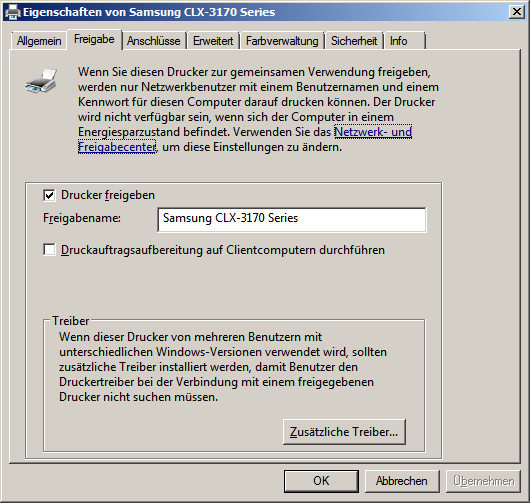
- Windows Printer Eligibility to Set Everyone –> Full Access
- Bojour Setup -> Windows Standard Setup
- Integrating iPad into the network
- AirPrint Acitvator iOS5
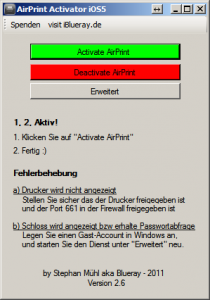
View of the AirPrint surface click Activate here
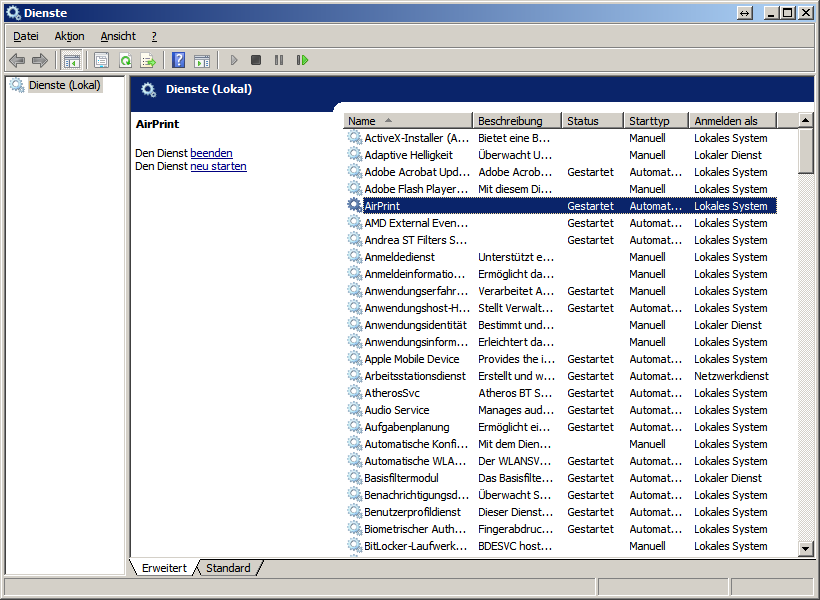
AirPrint must now be displayed as a service if it is not the case to restart a computer or service.
- Now take the iPad and start the safari
- Tap the arrow to the right of the navigation bar
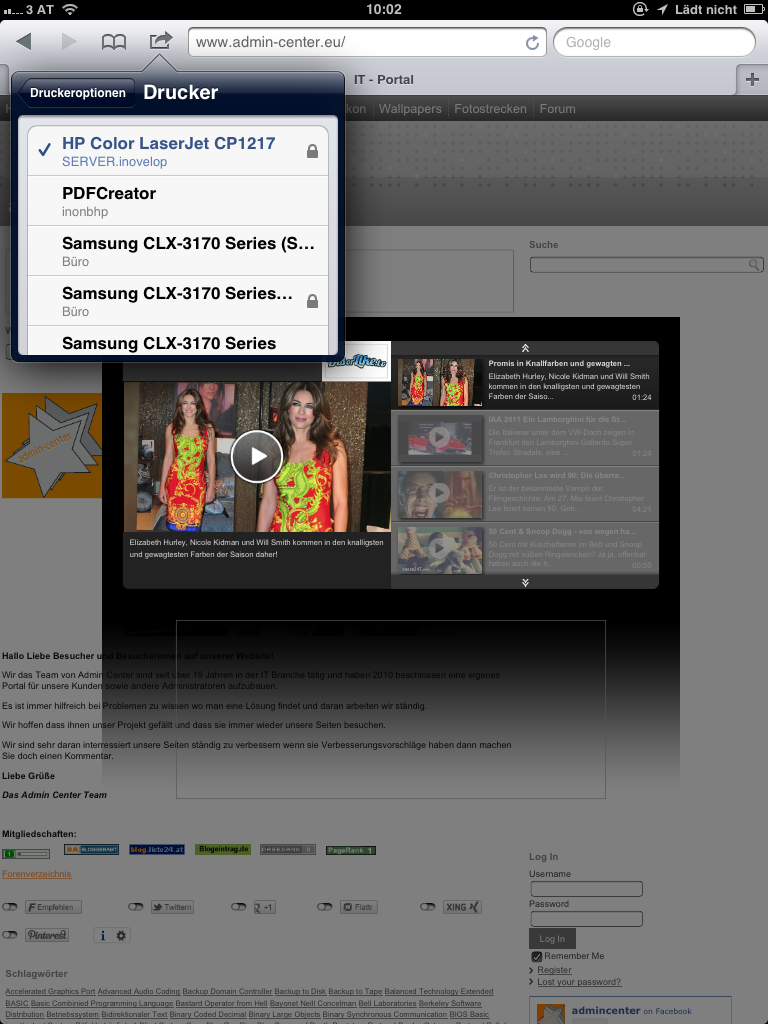
- Here the individual printers would now have to be displayed in the network if this is not the case to start Renew your iPad
- If a lock is displayed to the right of the printer, in most cases the computer requires a password here, take the user’s name and the password
- In the case of further problems, you can set the setting in the firewall that incoming and outgoing port 661 is active.