In companies with an Exchange e-mail solution, automatic forwardings to external e-mail addresses are blocked by default. However, if an employee is on holiday and wants to retrieve his e-mails externally to his Gmail or Gmx Mail account, because there is no OWA user interface, you can set this via a rule in Outlook.
We must proceed as follows.
Starts the Exchange Management Console on the Exchange Server.
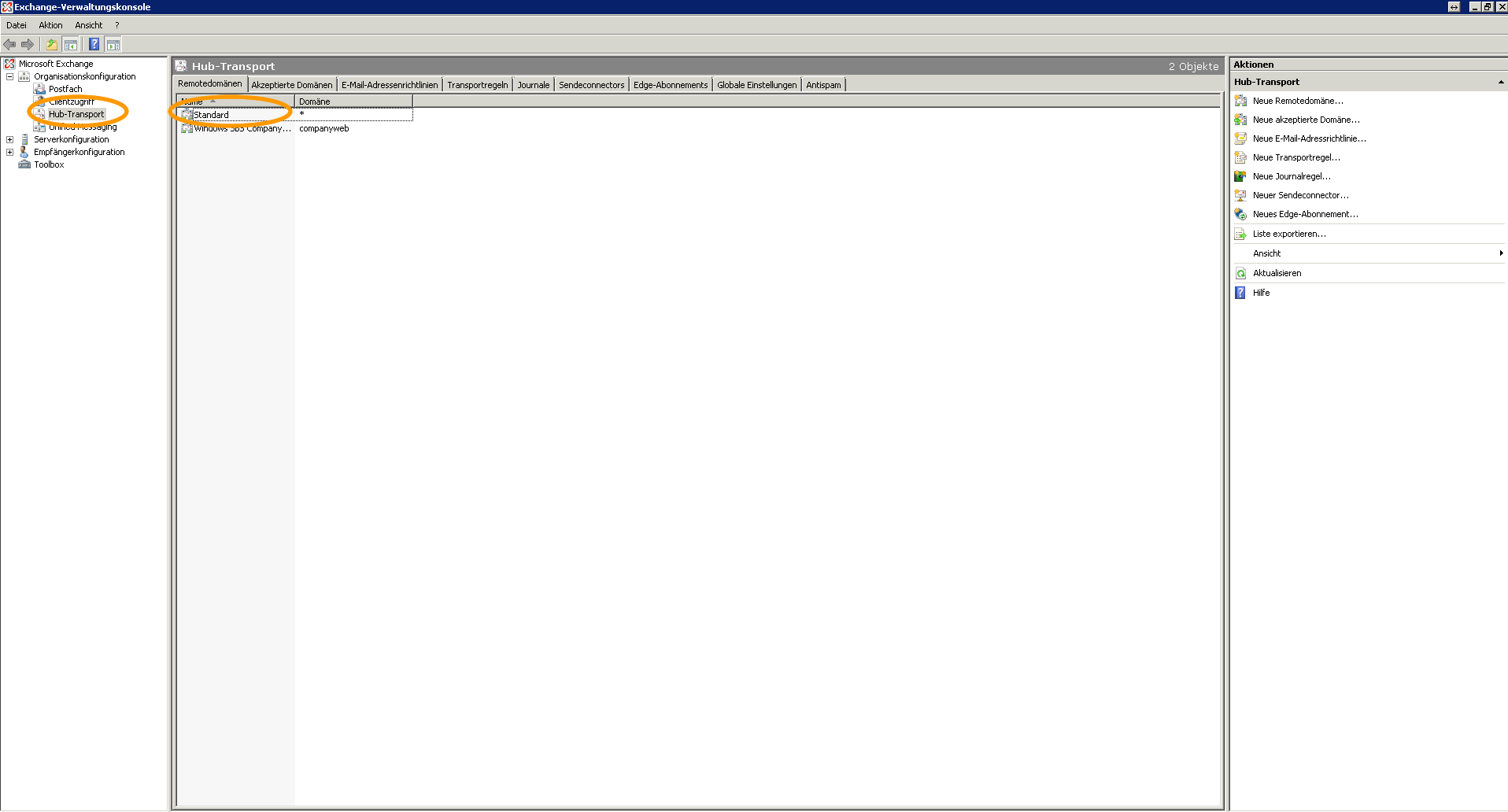
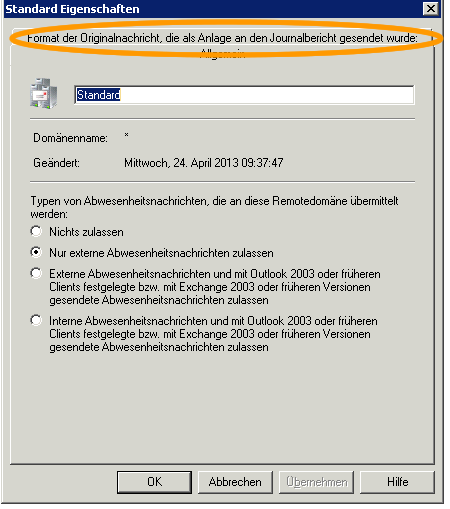
Then click as described on the screenshot Hub Transport –> Remote domains –> Standard –> Right click –> Properties –> Format tab of the original message sent as an attachment to the journal report:
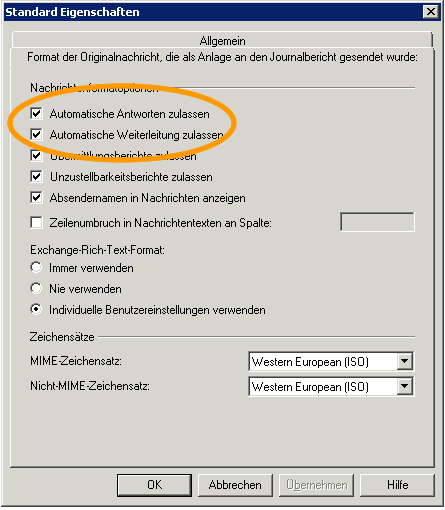
Used the hacks on Automatic answers permit; and Allow automatic forwarding.