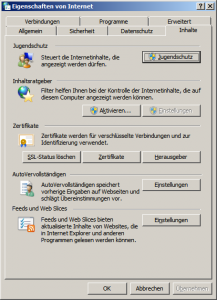
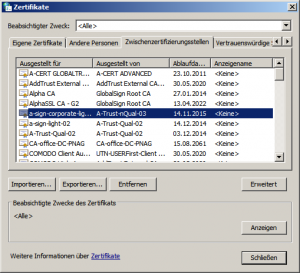
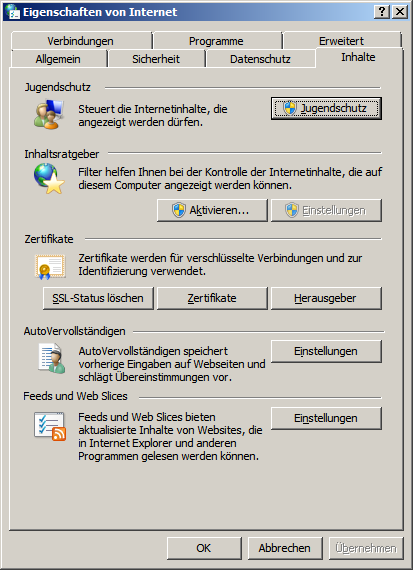
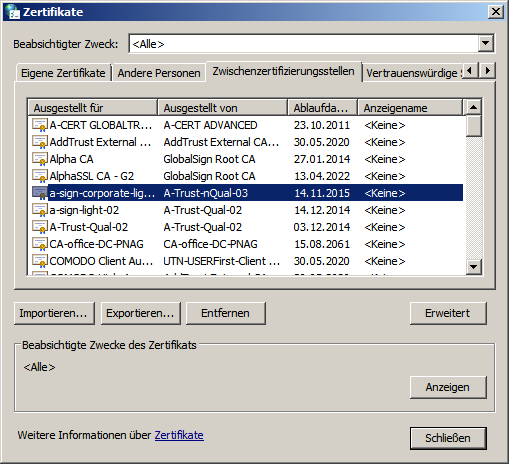
So Delete You have an installed Certificate on your computer. Proceed as follows: Start System control Internet options Content Certificates Select location via the tab Select Certificate Click Remove button