
For whatever reason, my Outlook 2010 ended communication with our Exchange Servers. The following error message comes up.
There is a problem with the proxy server security certificate.
The name of the security certificate is invalid or does not correspond to the name of the target website ‚mail. …. com‘.
Outlook cannot connect to the proxy server (error code 10).
I can only solve this problem by reconfiguring my Exchange account in the control panel in the email 32Bit settings and reconfiguring it in the
Advanced settings –> Connection –> Exchange Proxy Settings –> Create the hack connection only with proxy servers whose certificate contains the following principle name:
However, my Outlook must have started at this setting. After a reconnect with the Exchange Server, the problem is resolved again.
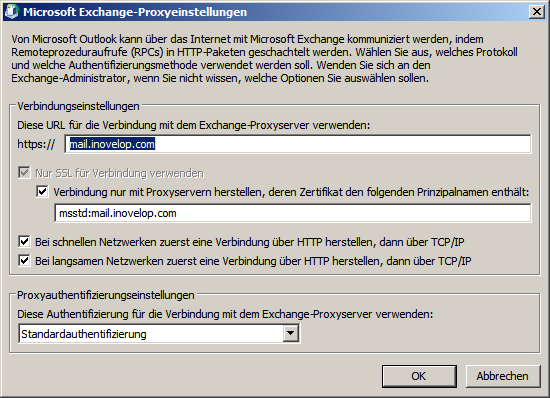
Attention when restarting my Windows 7 or Outlook 2010, the problem occurs again.
Problem solving:
In order to finally get the problem out of the way, I proceeded as follows.
First I went to the https:// page of our Outlook Web Access Server
Here I clicked on the lock to show me the certificate.
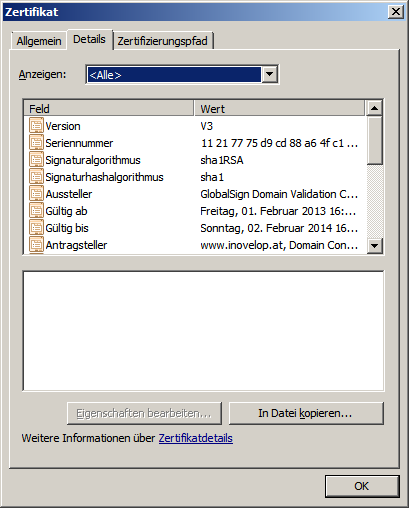
Then I went to the Details tab and went to Copy in files … Clicked to save the certificate.

Select the desired coding and continue.
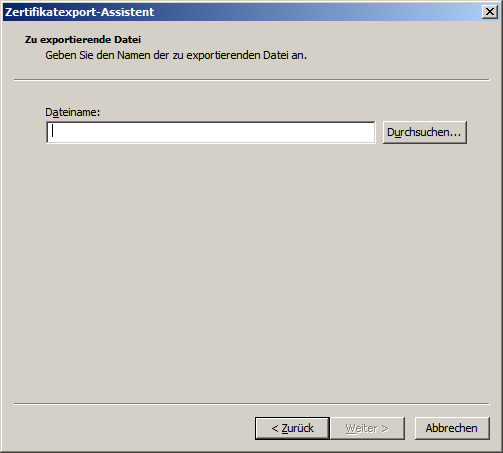
Select file name and location.
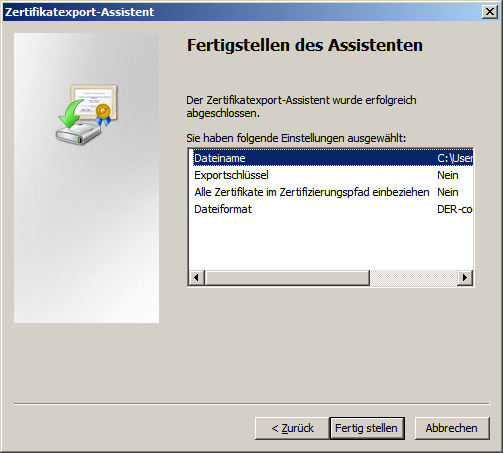 Complete the process.
Installation of the certificate:
as follows:
- Start
- System control
- Internet options
- Content tab
- Certificates
- Import certificate

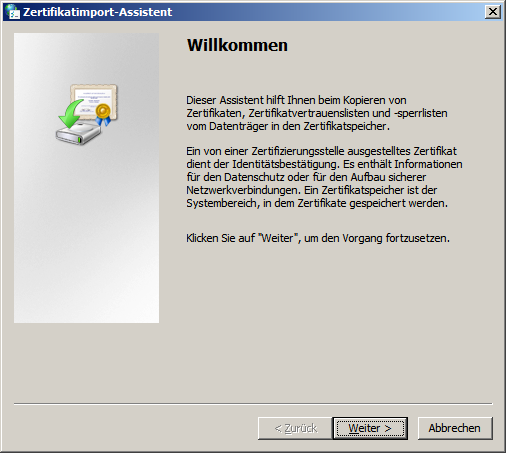
Import process start
Select Certificate
Set location we have selected the memory own certificates here.
Now restart the PC again and go.
And if all of that doesn’t work, name your *.ost file that you have under C:\Users\your username\AppData\Local\Microsoft\Outlook\ Move to *old.
Then go into the control panel and delete your email account and re-create it.
Now we had a case where even this guide did not help, the interesting phenomenon was when the notebook in the LAN went to the Internet via the router worked the connection dazzle, but when the customer went to the Internet on the way with his three sticks on the Internet it does not work.
With the order Set-OutlookProvider -Identity EXPR -CertPrincipalName msstd:*.inovelop.at I was able to solve the problem.
I entered this command in the management shell of our Exchange 2007 server.