Time passes and the used storage space that has been released by the Exchange Server is already full again. Grr… What do you delete the e-mails again and again… Yes this is correct but in the *.PST or *.OST files the data will still remain.
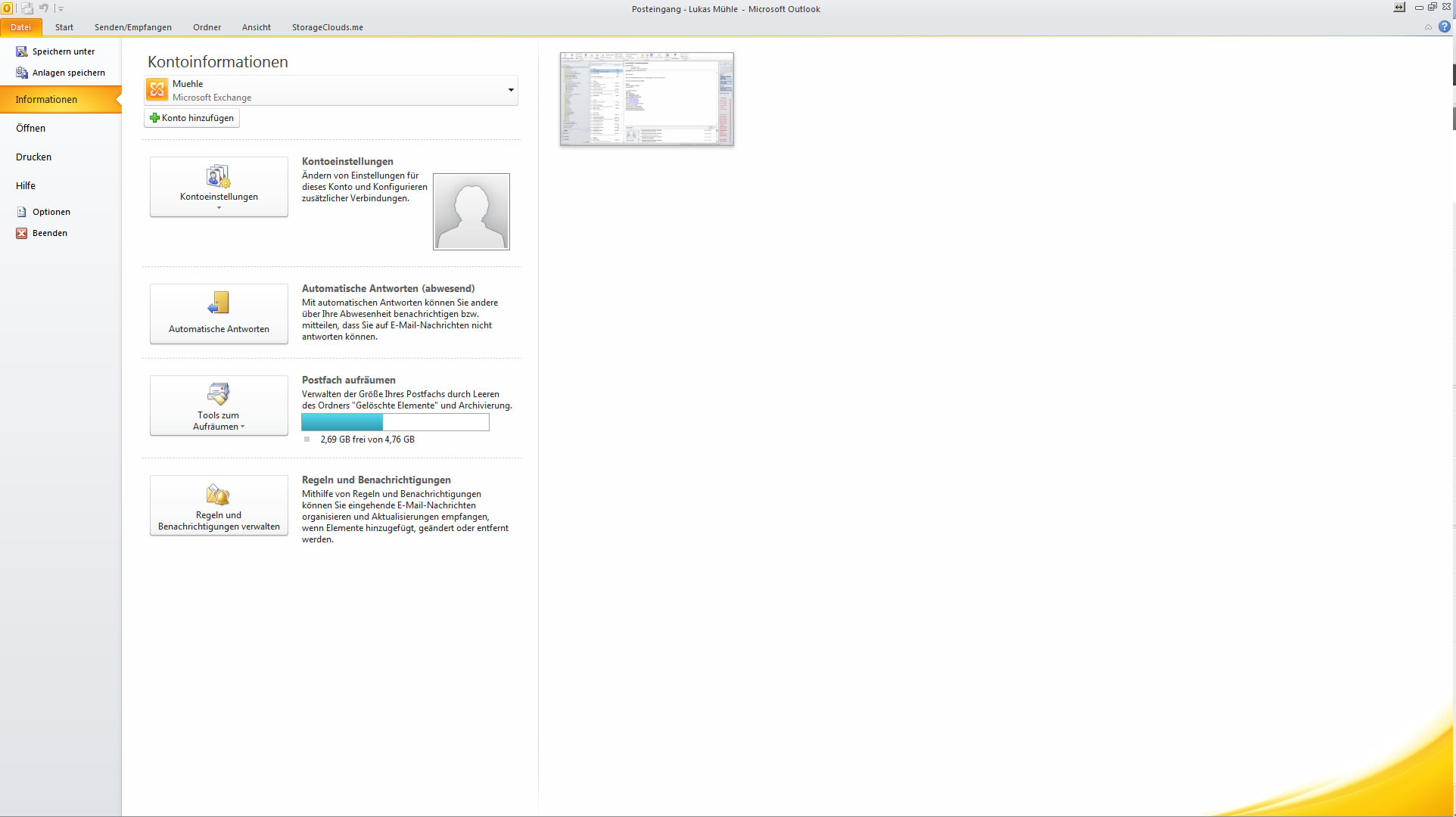
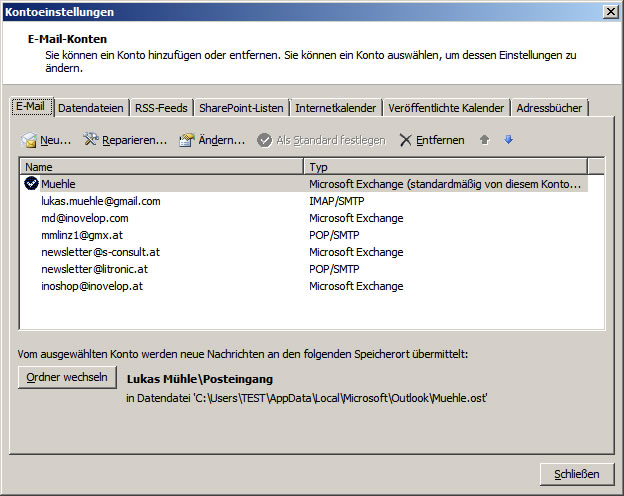
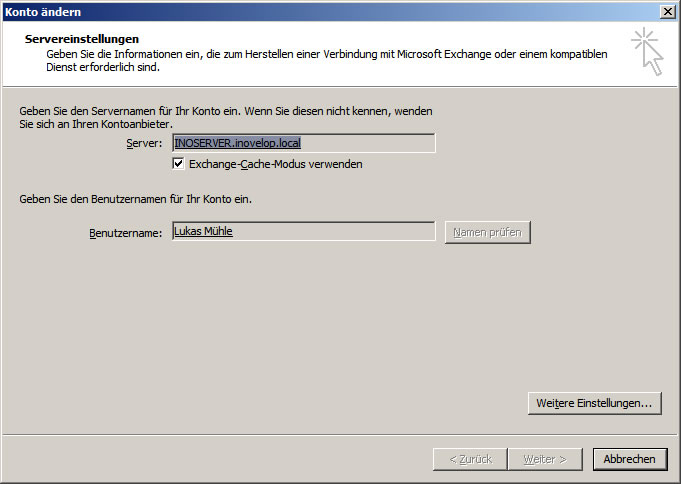
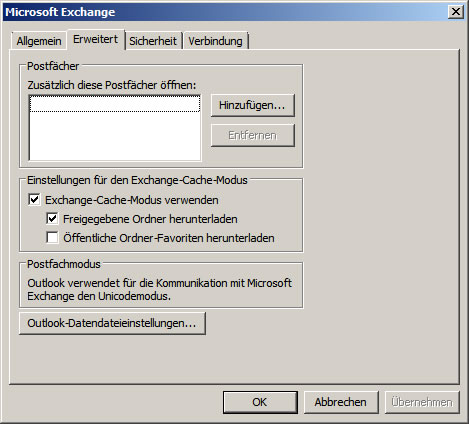
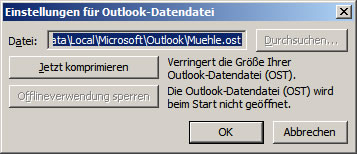
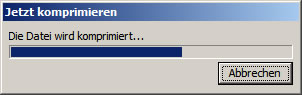
In Outlook 2010, click File –> Account Settings –> Select the Exchange Account –> Click Change –> Click Advanced Settings –> Click the Advanced –> Click Outlook Data File Settings –> Start Compression.