
Click Start –> Control Panel –> Programs and Functions
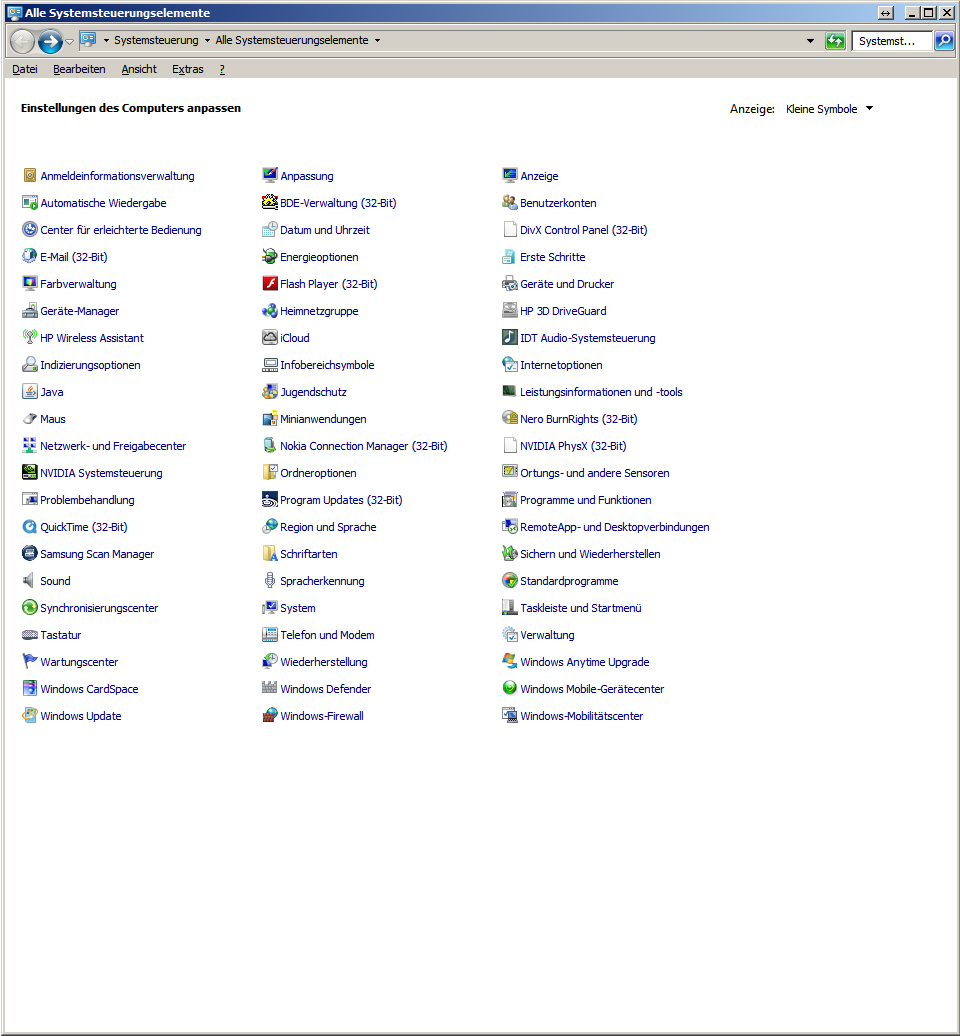
Now click on Programs and functions

Now, on the left, click Add or remove Windows functions
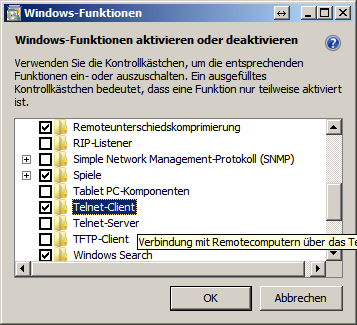
Scroll until you find the Telnet Client entry, now select the Telnet Client and click OK
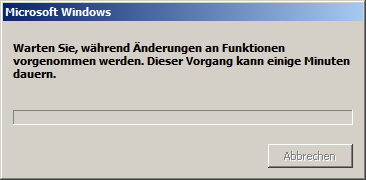
Now Windows 7 is reconfigured
Have fun using Telnet