Unfortunately, once again a malicious virus is locked in the circulation of the files and the message is output, for example, in Word documents: This file can be decrypted using the program DirtyDecrypt.exe Press CTRL + ALT + D to run DirtyDecrypt.exe.
With CTRL + ALT + D on German keyboards Ctrl + ALT + D it would be too early to delete this virus.
In the following instructions, we explain how to remove this virus and how to restore the damaged files.
Download first on the Kaspersky website under the following link http://support.kaspersky.com/de/4162
Then burn this ISO image to an empty CD blank, and then start your PC or notebook with the CD.
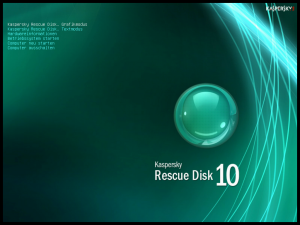
After you have burned the CD, restart your PC or notebook with the CD, select German at start and start the Graphical User Interface.
Important detail on your notebook or your PC must be a network cable plugged in, the Kaspersky Live CD makes when starting still an update of the virus definitions.
If your PC is now booted up waiting until the network connection is ready, you can test this by opening a website in the Konqueror browser of Linux, further all drives are mounted on start.
After the drives are mounted, the desktop icon starts
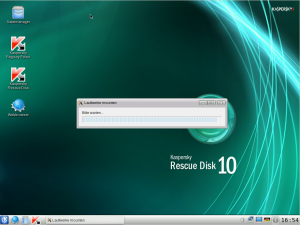
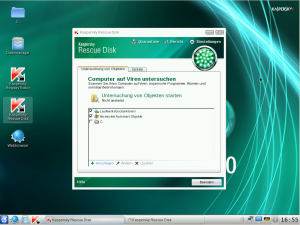

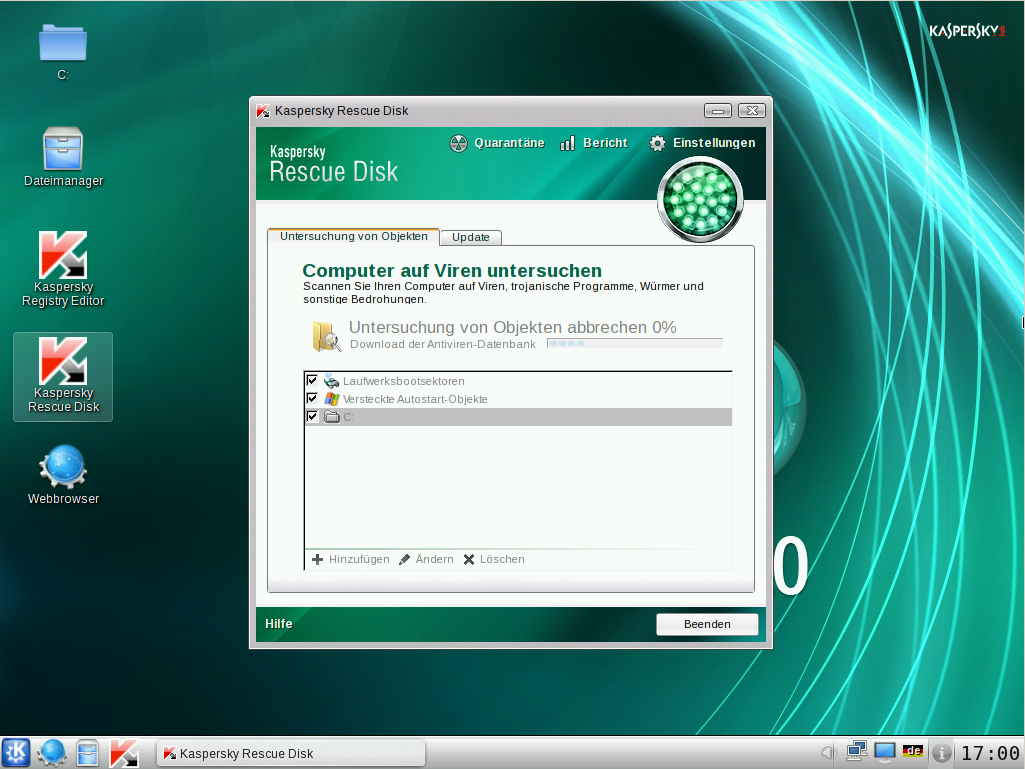
If the virus is still raging on your PC pop-up messages will appear at the bottom right where the infected file is displayed, just click Delete if you don’t know the file, if it’s a file you know moves it to the quarantine directory.
Now we come to recovery of the damaged files.
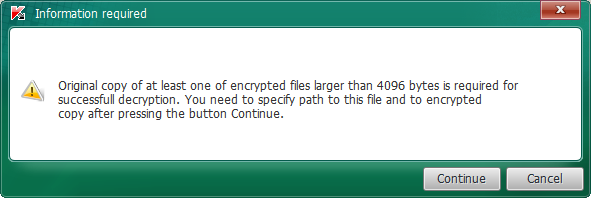
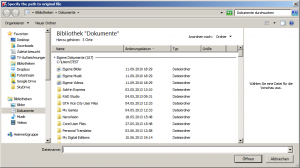
If you do not have a backup of the old files then this process is useless, unfortunately we have not yet found any sensible software that decrypts the files in this case.
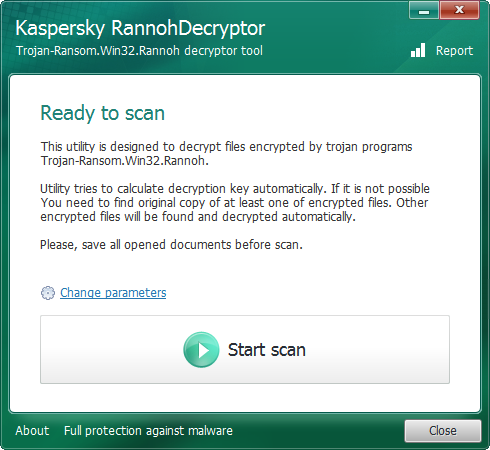
Download the program Kaspersky RannohDecrypter hier down and then start it.