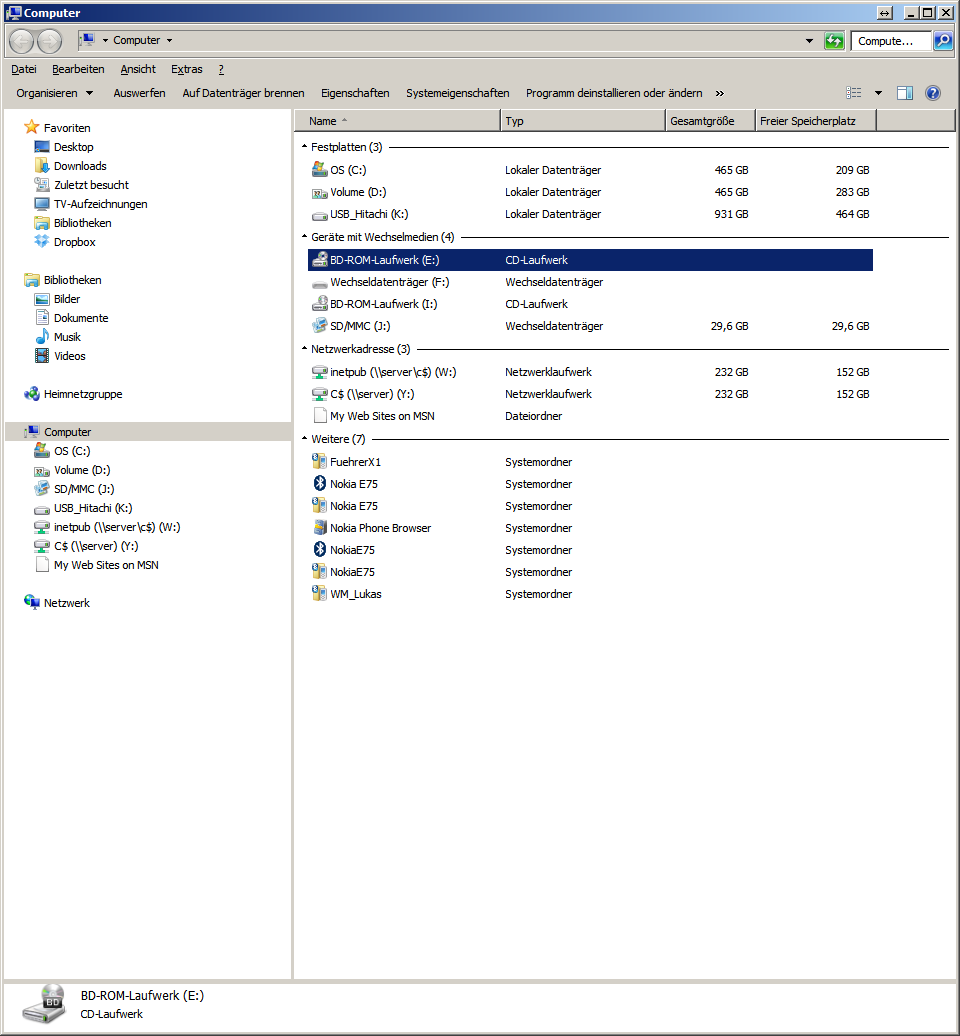
Under the heading “Appliances with removable media” you will find your own burner, which should be selected.
- Insert empty CD (blank)
- An empty window appears because no data is selected for burning yet.
- If data has been copied by drag & drop or moved to CD-RW drive, on the left-hand side the option “Write files to CD” appears, which should be selected.
- Assistant is started to enter names for CD
- Select “Close Assistant after completion of write” option
- Burning is carried out, “Prepare”