
These are CDs, not burned in stages.
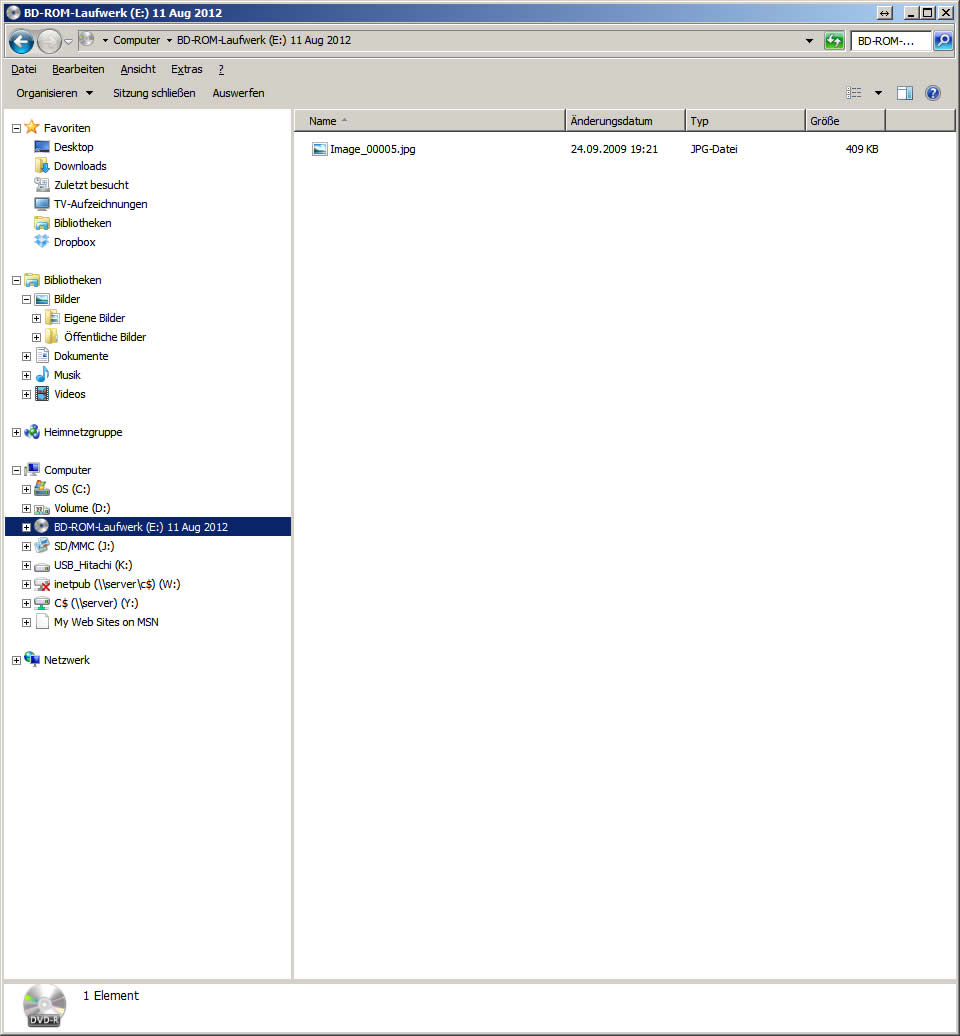
- CD on which something has already been burned.
- Add new data to be burned by drag & drop
- Click on “Write files to CD” (on the left of the window) and follow the assistant’s instructions (see article “Windows 7: Creating Data CDs”)
YouTube video: