
Anyone who searches for the Start Menu button under Windows 8 is looking for nothing. Unfortunately, the Microsoft developers were not able to use this function since the first Windows versions with graphical user interface also in Windows 8.
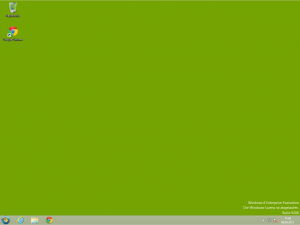 Setting up Windows 8 Start Menu Button
To activate the Windows 8 Start Menu button again, some software developers have used the tool Classical Shell developed to restore the Start Menu Button for free.
Underground http://www.classicshell.net/ You can also download the software tool.
Current version: 3.6.6
Easy installation of Classic Shell for Windows 8
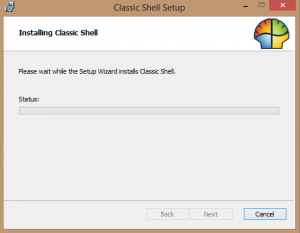
Start Menu Design Windows 8 with Classic Shell
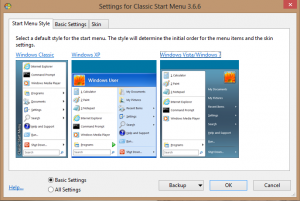
It’s finally here, the Start Menu Button for Windows 8
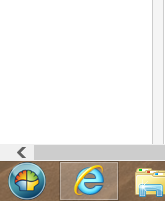
Classic Shell for Windows 8 in German
To convert your installation of Classic Shell for Windows 8 to German navigate to the following link: http://www.classicshell.net/translations/. Download the German DLL file.
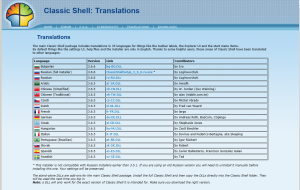
This DLL file is then copied to the Classic Shell program installation directory usually under C:\Programs\Classic Shell. In our case, the German language files were loaded after a restart of our Windows 8 test environment.