
For a Windows user like me („For almost 15 years“) Linux is really a red cloth, but unfortunately it is indispensable in certain companies because they operate web or e-mail servers on Ubuntu. We have also rented an Ubuntu web server to host our portal and websites of our customers on it.
Ahhh, I’m writing too much again. Here you will find a list of commands I think are important to work on a Linux PC/server.
Important Basics
- cd etc. –> changes e.g. to the /etc directory that also exists in the current folder
- cd/etc –> changes e.g. to the /etc directory
- cd –> returns a directory in the Hirrachie folder
- Exit –> closes the current terminal session in the console, with a SUSE installation with a graphical interface it is activated again.
- pwd –> Shows you which directories you are currently in
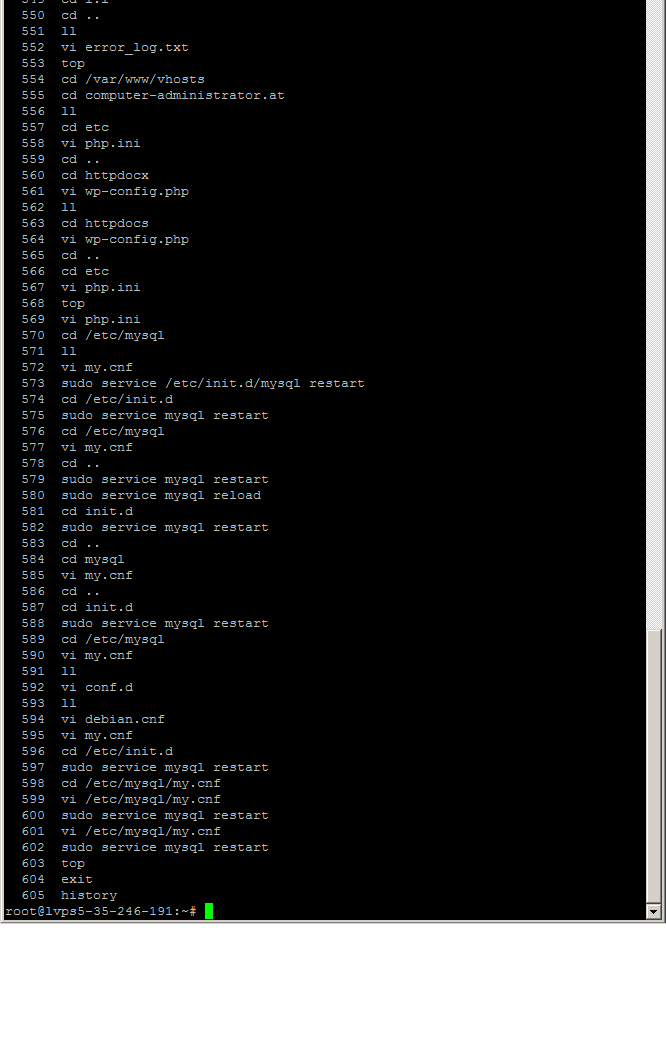
- History –> Show you the last orders you sent
- shutdwon – h now –> Turn off the computer
- shutdown -r now –> restarts the computer
- logout –> clean log-out from the current Linux session
How to search on Linux? (again, a science unto itself)
- locate *.php –> searches for example all files with the extension PHP
- locate DATE –> searches for the file name
- grep [TEXT] [DATEI] –> searches for the text in a file
Files and folders
How to create, delete, modify, copy files and folders on Linux.
- cp hello.php hello sic.php –> so you create a backup e.g. of a file in the same directory.
- mv hello.php helloneu.php –> this is how you rename a file
- mv hello.php /home/test/ –> how to move a file to another directory
- cat hello.php –> shows the contents of a file
- vi hello.php –> shows the content for editing in the VI text editor.
Restart, stop, start or reload service
If, for example: the my.cnf file has been changed, the currently stored status is not taken over by the service, so you have to restart or reload the service after the change, but I prefer a complete restart of the service.
- sudo /etc/init.d/mysql restart –> Restart the service completely
- sudo /etc/init.d/mysql reload –> Invites the e.g.: changed configuration (had already some problem so I do not recommend this)
- sudo /etc/init.d/mysql stop –> Stop the service
- sudo /etc/init.d/mysql start –> Starts the service
I say right away the list is not ready and will be edited in the future. Anyone who misses something or has suggestions simply write a comment below, depending on the current stress with us we will then include the command in our list.