
This allows you to reset the original state of your Task Manager on Windows 7.
Now click Start and enter taskmgr.exe in the input field.
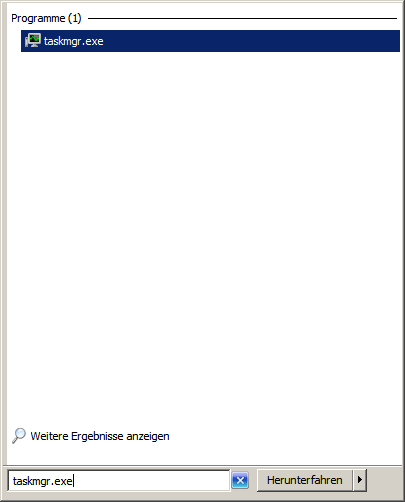
Do not click on the selection in the search field.
Now press the key combination: Ctrl + shift + alt
After you press these buttons, you can press Enter or click on the selection in the search menu.