
Make sure the Telnet client is installed if you are not sure The following guidance is given:
Instructions Telnet Client unter Windows 7 Installieren
Problem: If you have subscribed to Telekom Austria for your Internet package, you can only use two of the four ports on the modem Thompson 585 v7, in this guide you will learn how to deactivate the IPTV ports.
In Windows, from the Run field, launch the Commander with the CMD command

Give the command CMD into the window
Now the Command Line Surface of Windows starts
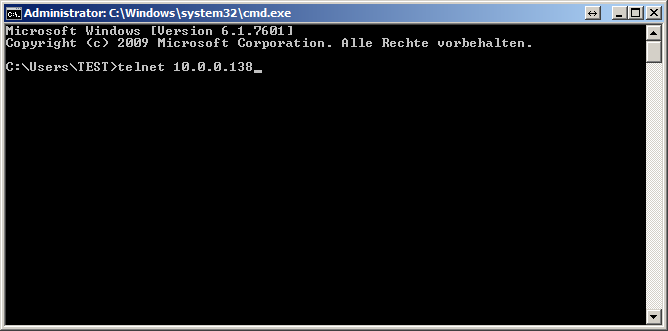
Enter here now telnet 10.0.0.138 Or your router’s own IP address.
Now press Enter twice to jump over the registration
Now we should If your router is not locked by a custom username and password, please contact your Internet Service Provider in this case.
Now that you have arrived on the Command Line surface of the Thomson 585 v7
Give the following: Orders one:
- :eth bridge vlan ifadd name=default intf=ethport3
- :eth bridge vlan ifdelete name=IPTV vlan intf=ethport3
- :eth bridge vlan ifadd name=default intf=ethport4
- :eth bridge vlan ifdelete name=IPTV vlan intf=ethport4
We hope we have helped you solve your problem.