
The PDF format was introduced in 1993 and stands for Portable Document Format, today almost all documents are stored on websites or for the presentation of products or services in PDF format. In the following instructions, we show how to convert a PDF document back to a Word, Excel, PowerPoint, JPG, PNG, HTML or a text file. For example, you can make changes from an existing PDF document after converting it and then convert it back into a PDF document via a PDF printer.
List of file formats for outputting the PDF document:
- PDF for Word
- PDF to Excel
- PDF about EPub
- PDF about PNG
- PDF about JPG
- PDF to HTML
- PDF about TXT
Procedure
- Download the software under the following link Wondershare PDF Converter. This software package has about 9MB
- Once you have downloaded the file, start the Wondershare Installer which will then perform the installation.
Installation process
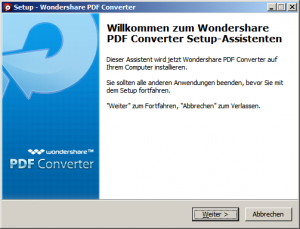
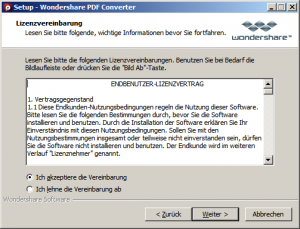
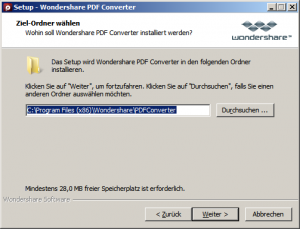
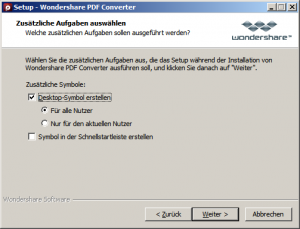
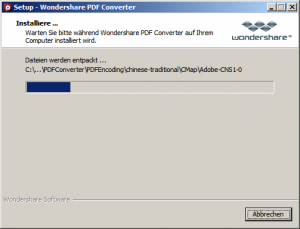
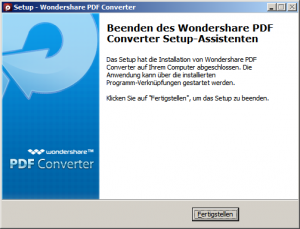
The PDF converter has now been successfully installed. You can now select a PDF document on your PC and then convert it to another format such as Word, Excel, PowerPoint and more.
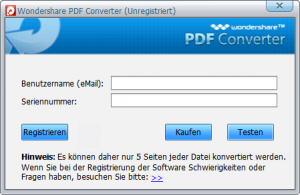
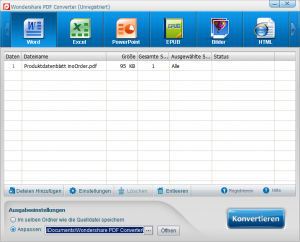
Now click on the Convert button, attention in the trial version of the Wondershare PDF converter can be converted to a maximum of 5 pages per PDF document. To convert more than five pages, the software must be purchased.
After the conversion can be completed As in our case, you view the just created Word document in your text editing program.
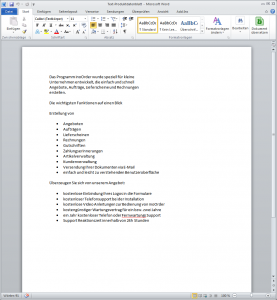
Click on the image to enlarge it, then see what the conversion of a PDF document looks like.